

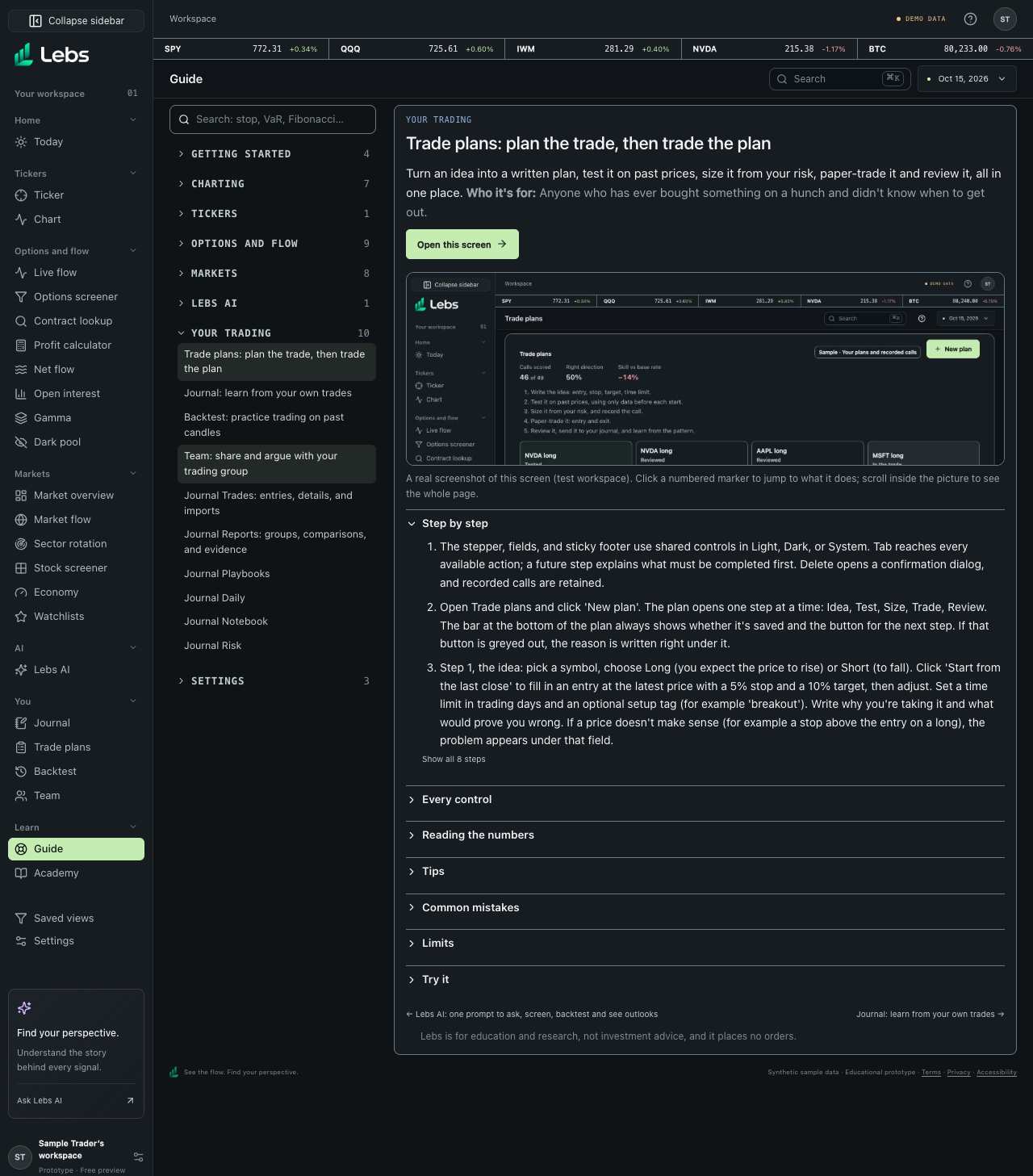
Step by step
- Open a category on the left (Getting started, Charting, Tickers, Options and flow, Markets, Lebs AI, Your trading, Settings) and pick a question. Only the open article's category is expanded; click another category to open it too.
- Or search for a word ('stop', 'VaR', 'Fibonacci'): every category with a match opens.
- Each article starts with a one-paragraph summary, who it's for, an 'Open this screen' button and a screenshot. Click a numbered marker on the screenshot to jump to that control.
- Below, the long parts fold: Step by step (open, showing the first steps with 'Show all steps'), Every control, Reading the numbers, Tips, Common mistakes, Limits and Try it. Click a heading, or press Enter or Space on it, to open or close it. The guide remembers which ones you keep open in this browser.
- On any screen, click the ? button at the right of the page header to open its article.
Every control, explained
- Search
- Searches titles, steps, features and terms, and opens every category with a match. How: Type in the search box.
- Category dropdowns
- Eight categories, each with its article count. How: Click a category to open or close it.
- Open this screen
- Goes to the tool. How: Button at the top of each article.
- Folding sections
- Step by step, Every control, Reading the numbers, Tips, Common mistakes, Limits and Try it. How: Click a heading; your choice is remembered in this browser.
Limits to know
- The guide describes Lebs as it is today; if a screen changes, its article is updated with it.
Try it: Search the guide for 'R' and read what it means in Trade plans.
Lebs is for education and research, not investment advice, and it places no orders.